Use an outline to emphasize a subject in a thumbnail
An outline can draw attention to a person, object, or action without covering the whole photo. Because the line follows the selected area, check the result before you start the thumbnail design.
Open the free converterStart with a subject that reads at a small size
Choose a subject with a distinct outer contour and some open space around it. At thumbnail size, a face, ball, or product can blend into nearby scenery even when it looks clear at full size.
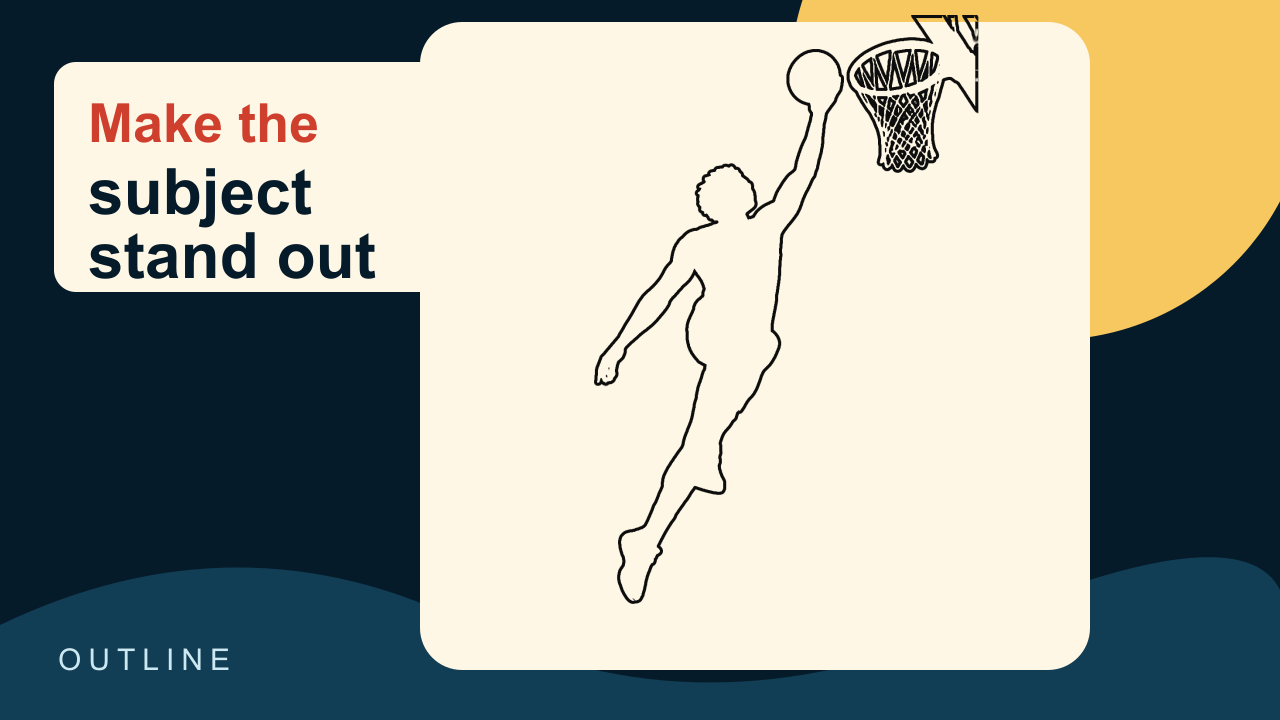
In the basketball example, the automatic outline follows just the player and the ball, with no extra objects attached. Even so, zoom in on the fingers and the edge of the ball at thumbnail size before you design anything around it.
 Before
 After
AfterCorrect the edge before styling
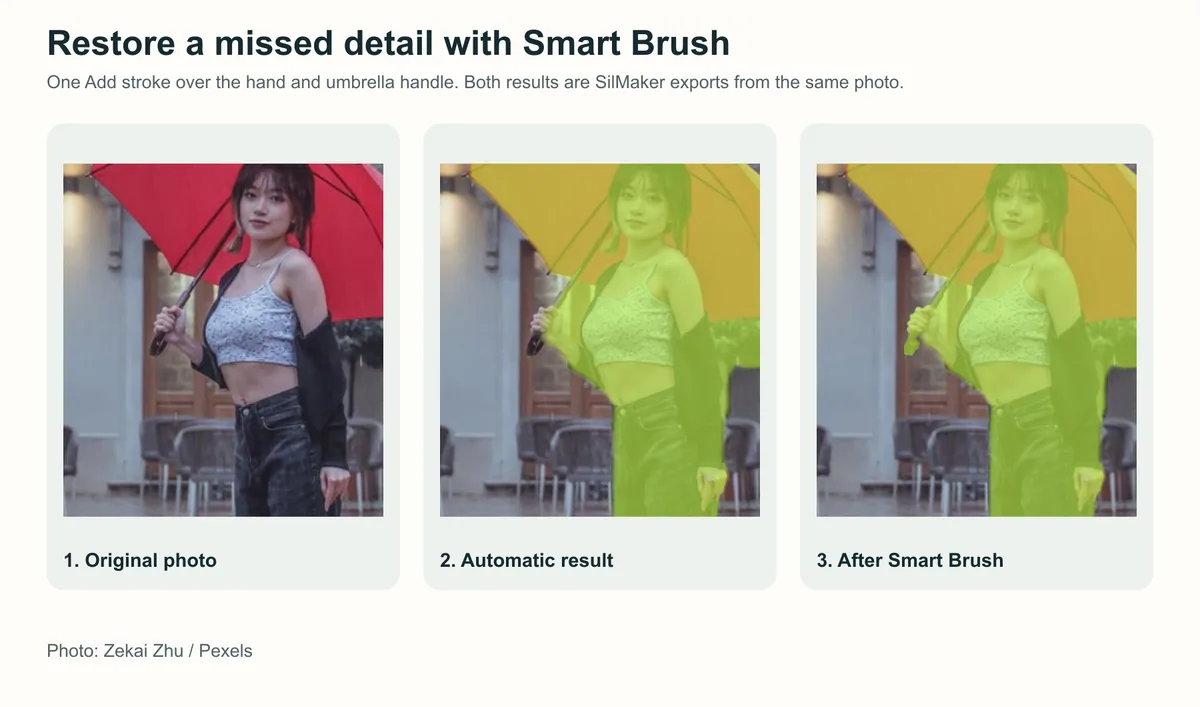
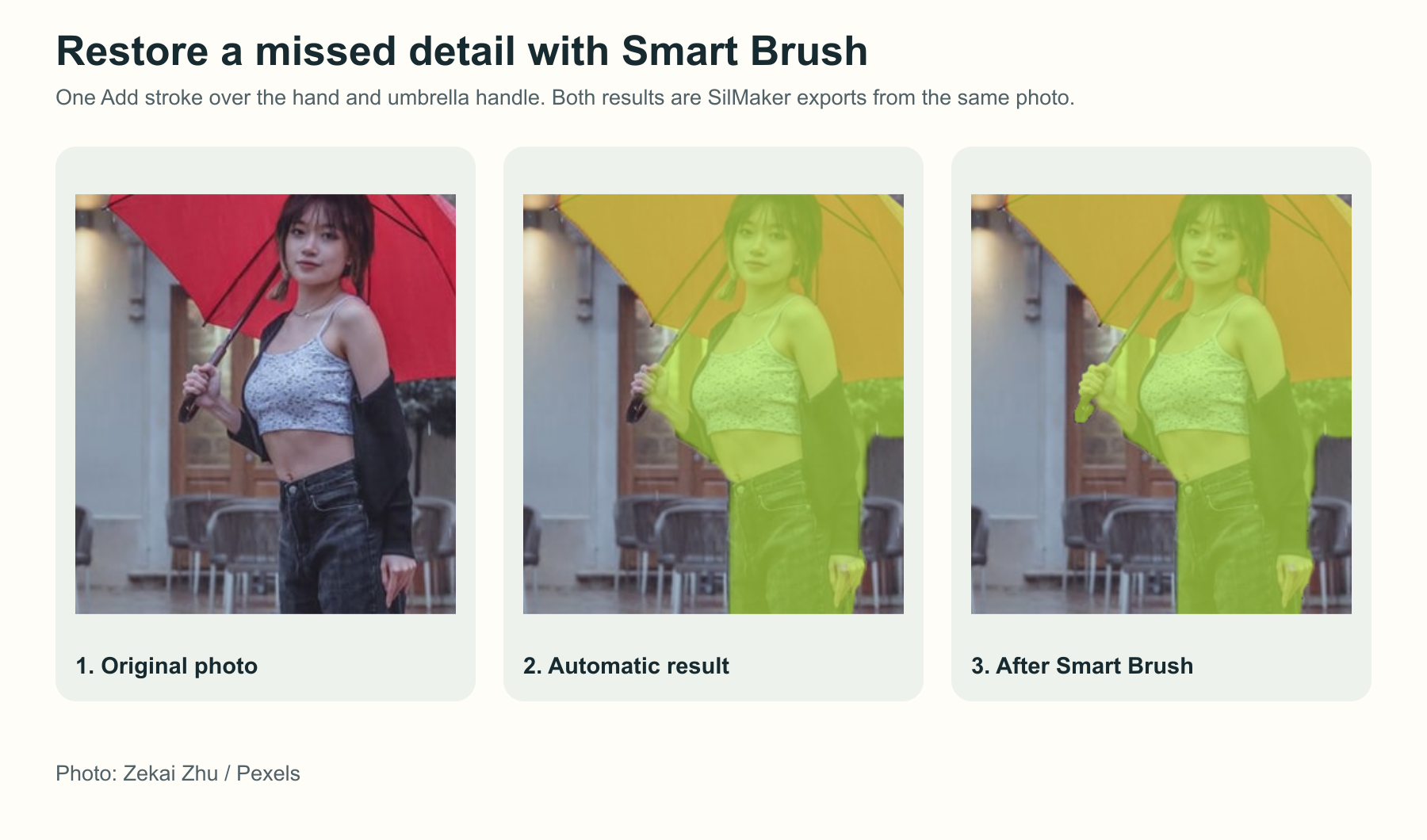
The first panel is the original photo. The second is the automatic result, which missed the hand and the umbrella handle. The third shows one local Add stroke bringing them back. Try it on your own photo with Smart Brush and check the line afterwards.
The outline traces the selection, so a wrong selection means a wrong line. Compare with the original photo after each small fix.
- Process the photo and zoom in on small or connected areas, such as a hand, fingers, or a handle.
- Use Smart Brush to remove a background fragment or add a missing part of the subject.
- Switch to Outline and check the line at the size you plan to publish before downloading.
Place the outline in a design tool
Export a transparent outline, then position it over the thumbnail background in your editor. Put headline text away from the most recognizable edge so the subject stays readable.
The background, text, crop, glow, and shadow all come from the design app. The SilMaker PNG is just the outline.
Check the delivered size
Preview the thumbnail at the size it'll actually be shown. Small loops, fingers, and sports gear can turn to mush or disappear when it's scaled down.
An outline PNG gets blurry if you stretch it, so start from a photo that's at least as big as the thumbnail.
Frequently asked questions
Why is an extra object outlined?
It may be connected to or mistaken for the subject by automatic selection. Remove that area with Smart Brush and inspect the new line.
Is the outline an SVG?
No. SilMaker exports raster PNGs. Use vector software when you need editable strokes or unlimited scaling.