SilMaker guides
Remove a photo background and save a transparent PNG
Learn to remove a photo background and save a transparent PNG while keeping the subject’s original colors.
 Original
 Background removed
Turn a photo into a silhouette online
A step-by-step guide to choosing a source image, converting it, and correcting difficult subject edges.
 Before
 After
AfterCreate a transparent silhouette PNG
Remove the scene from the finished shape and download a colored silhouette with a transparent background.
 Before
 After
AfterMake a silhouette outline PNG
Trace the subject’s outline and choose what stays inside and behind it.
 Before
 After
AfterTurn a PNG into a silhouette
Use existing PNG transparency directly when available, or let SilMaker handle an opaque PNG automatically.
 Before
 After
AfterMake a silhouette on a white background
Turn a photo into a black silhouette on a white background, then inspect the edges before saving.
 Original
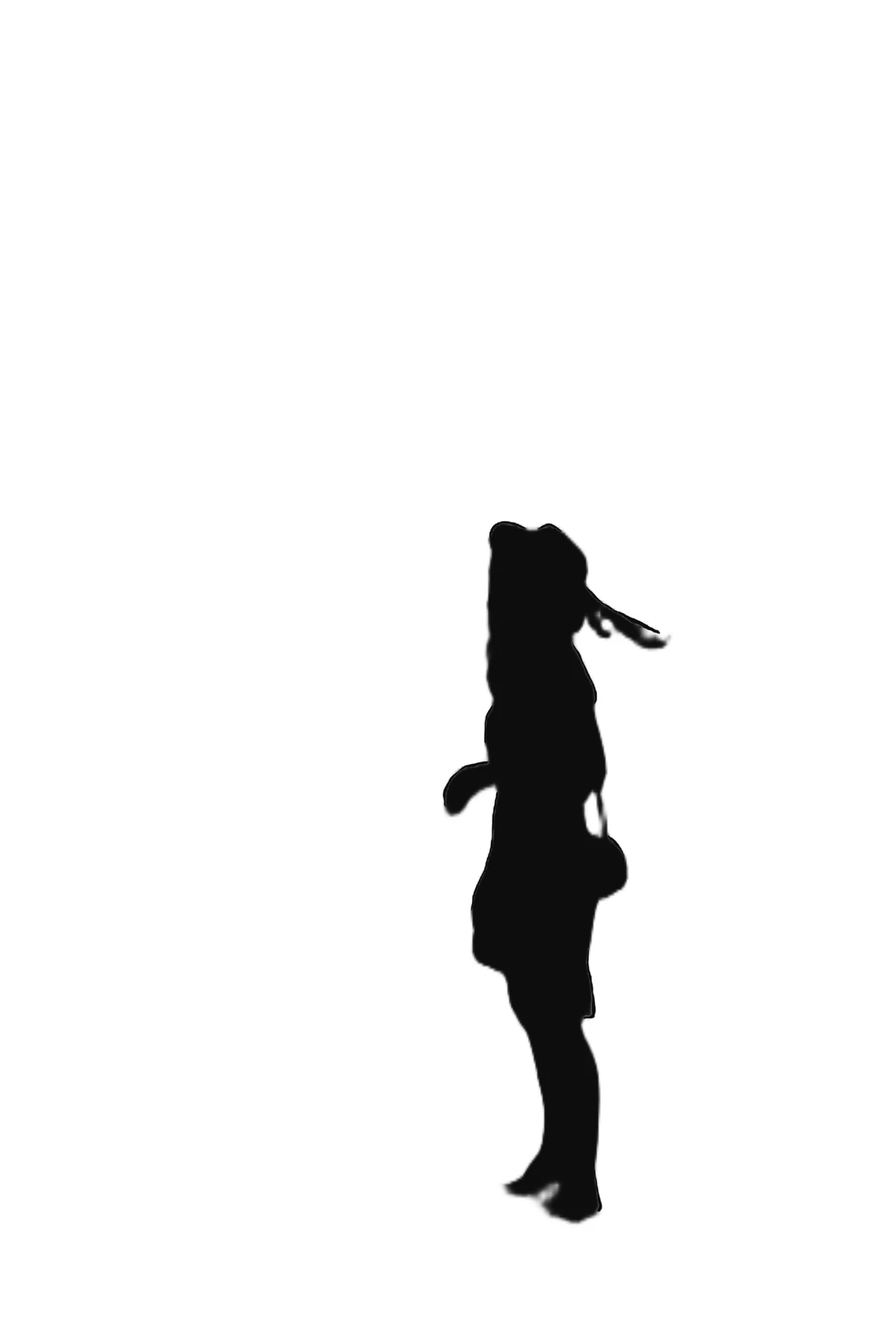 White background
Photos that work well for silhouettes, and photos that need more work
Compare clear subjects with difficult boundaries and decide when a silhouette is useful before processing your own image.
 Before
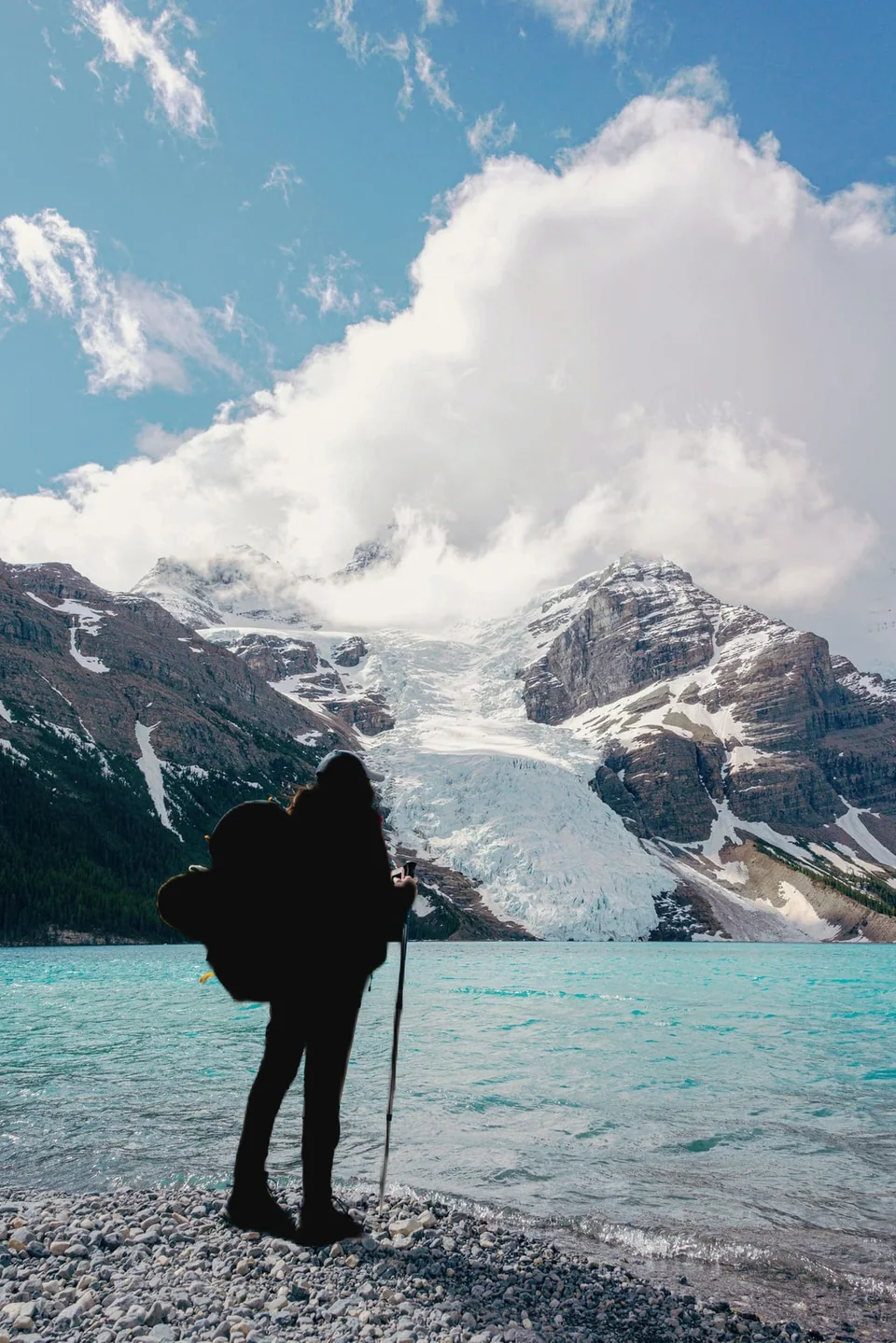 After
After