Make a silhouette outline with the background you need
SilMaker turns the detected boundary of a photo subject into an outline PNG. Keep the full original image, use Hollow to leave the subject area open, use a transparent background, or place the outline on a custom color.
Open the free converterCreate an outline PNG from an image
- Choose a photo where the subject is fully visible and separated from the background.
- Let SilMaker detect the subject and inspect the preview for missing or unwanted areas.
- Use Smart Brush to fix the selection before saving; the outline follows its edges.
- Choose Outline, select Original, Hollow, Transparent, or Custom for the background, and save the PNG.
 Before
 After
AfterWhat the outline represents
The outline follows the selected subject. If the selection includes a piece of background or misses a detail, the line will follow that mistake too. Correct the selection before choosing the final style.
Original keeps every source pixel under the line. Hollow keeps the surrounding original scene but removes the subject interior, making it useful as a coloring area. Transparent keeps only the line, while Custom places it on your selected solid color.
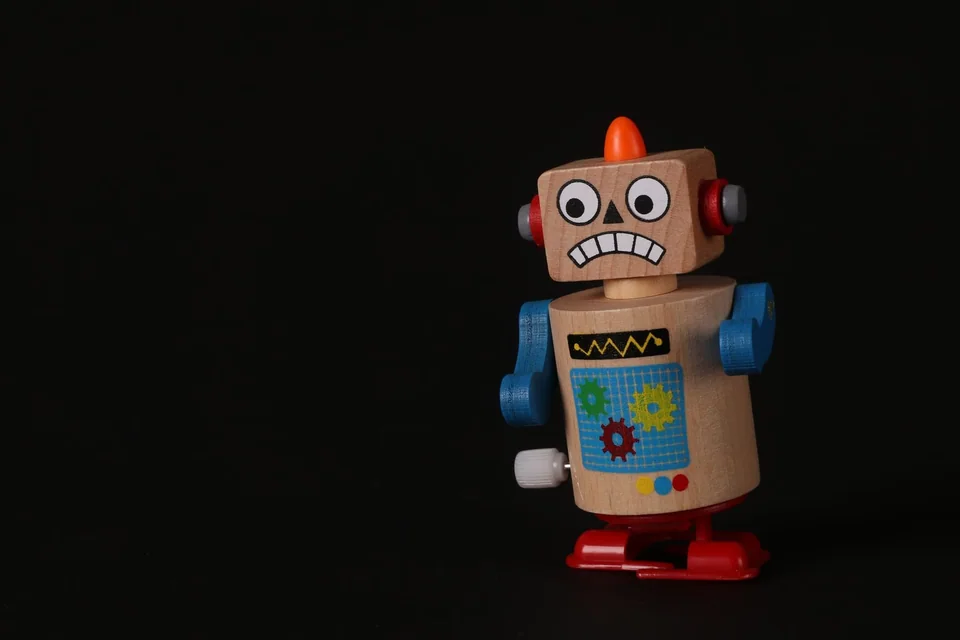 Before
 After
AfterWhere silhouette outlines work well
Use the transparent outline for overlays and layouts, Original for an outlined-photo effect, and Hollow for coloring activities or worksheets with an open subject area. Custom works when the outline needs a ready-made contrasting background.
A subject with a distinctive outer contour is usually easier to recognize than one whose identity depends on internal texture or facial detail.
Improve a broken or noisy contour
If part of the line is missing, use Add on that part of the subject. Use Remove on a stray piece that creates an extra loop or bump. Start with a small brush, check the result, and undo if the change goes too far.
 Before
 After
AfterOutline PNG versus SVG outline
SilMaker exports a PNG. That's quick and easy for everyday digital layouts. If you need to scale the line freely, edit its stroke, or send it to a laser cutter, CNC machine, or vinyl cutter, you'll want an SVG instead.