Photos that work well for silhouettes, and photos that need more work
A good source photo has a shape people recognize at a glance. The examples below show why visible arms and legs, contrast, and open space matter, and when the first result needs a second look.
Open the free converterA strong source keeps the whole pose visible
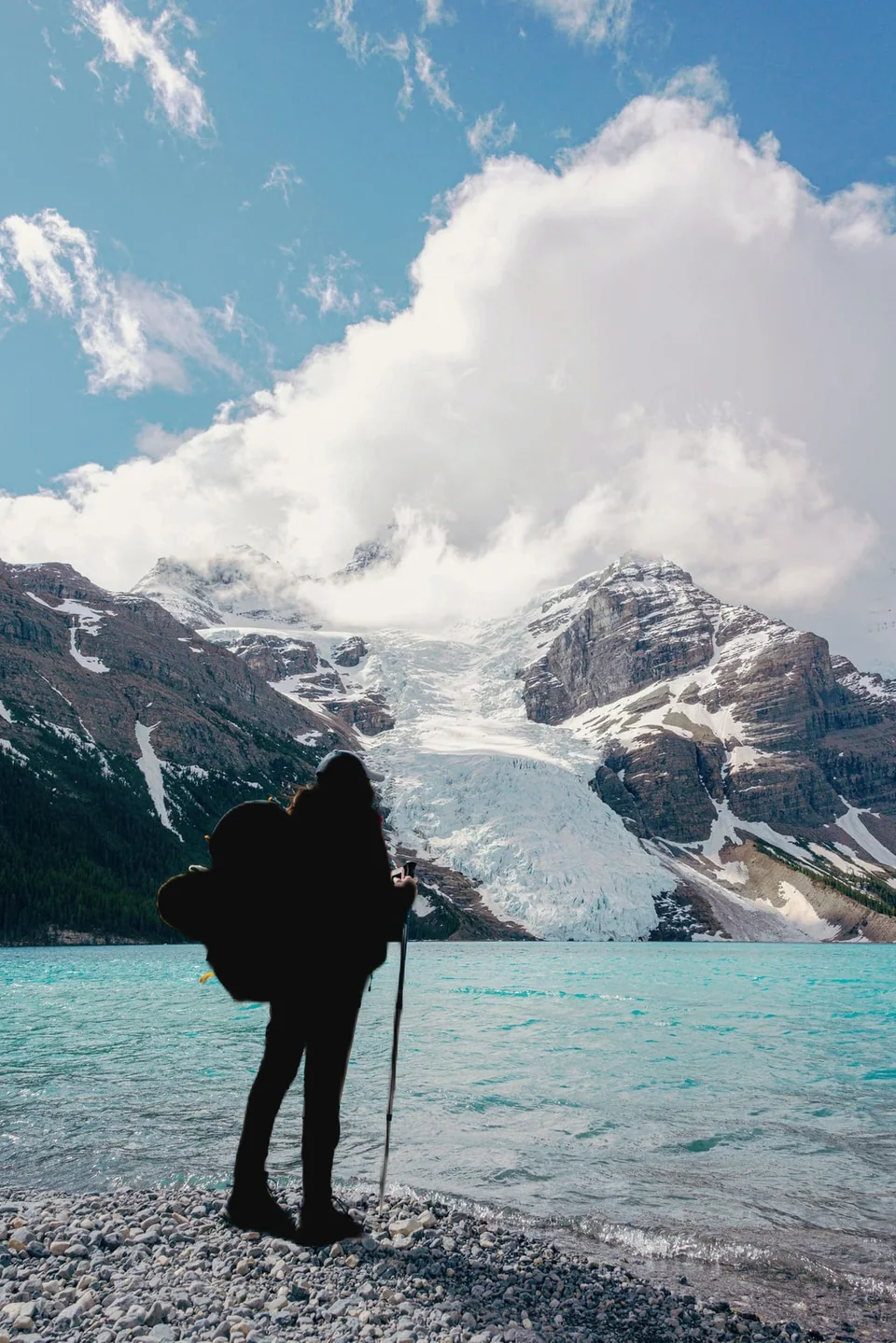
Look for one main subject with clear space around its outer edge. A backpack, raised arm, tail, or bicycle can be part of the clue when it stays inside the frame.
Outdoor shots can still be tricky. Water, trees, and shadows change the contrast along the edge, and parts of the outline may suffer.
 Before
 After
AfterCrowded connections can be ambiguous
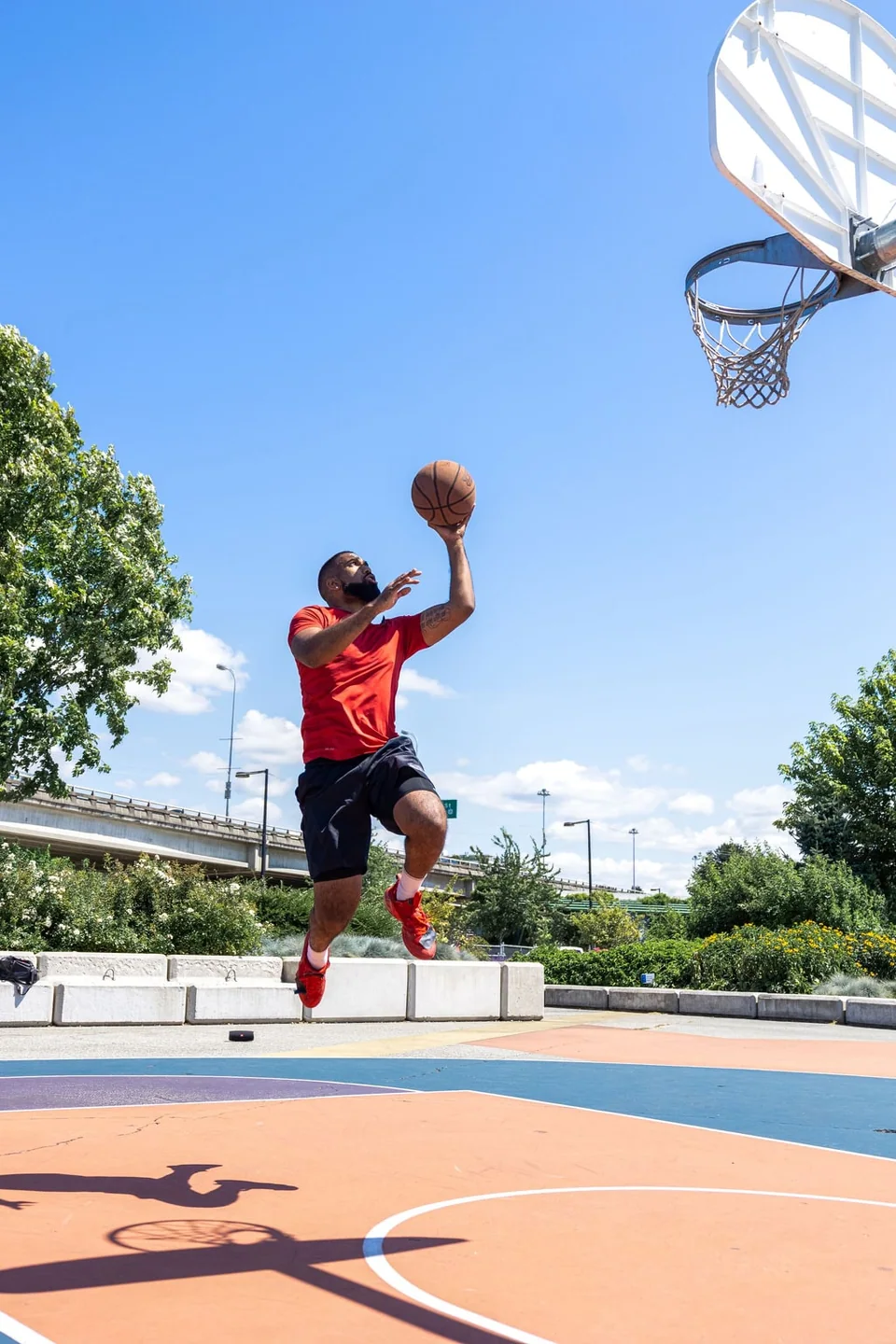
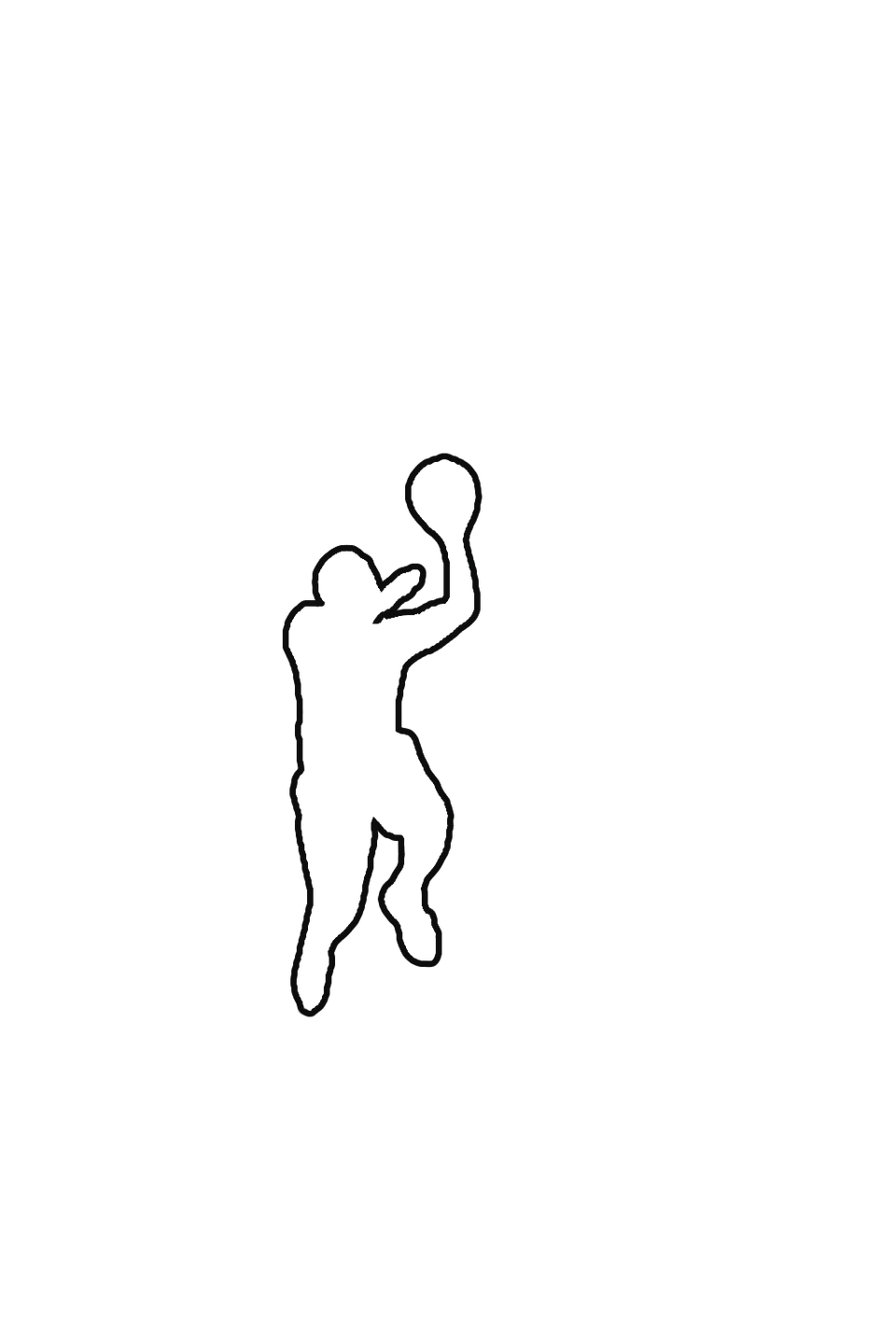
When a subject touches equipment, another person, or a similarly colored background, the selection can treat connected pixels as one shape. Keep the extra object if it belongs in the composition, or correct that area.
Fine hair, see-through materials, reflections, low contrast, and overlapping people usually need extra attention.
 Before
 After
AfterUse the first result as a decision point
After processing, inspect the outline at the places that carry recognition: ears, hands, feet, wheel gaps, handles, and the space between limbs. Decide whether a small correction preserves the intended subject.
If the missing part was cut off by the frame, or you'd have to guess where an edge goes, pick a different photo.
Match the output to the job
Use a filled silhouette when the overall shape is the point. An outline keeps more of the scene but also shows every rough spot in the edge. Pick transparent if you'll place it in a layout later, and white for a worksheet or page that's going straight to print.
Results are PNGs, so think about the final size before using one on a big poster or a cutting machine.
Frequently asked questions
Can Smart Brush fix a cropped foot or tail?
No. It can refine nearby selected areas, but it cannot recover a feature outside the original image.
Will my photo turn out like these examples?
Not necessarily. Contrast, overlapping objects, resolution, and the subject's shape all change the result.