Make a product comparison slide with a silhouette
This example pairs a photo of a vintage wooden toy robot with its transparent silhouette. The photo shows color and surface detail, and the silhouette shows the outer shape at a glance.
Open the free converterPrepare an image you can present
For your own product, use a photo you took or have permission to use. Keep the whole object in frame, and watch for handles, cables, or accessories that blend into the background.
Swap the robot toy for your own product photo before you present.
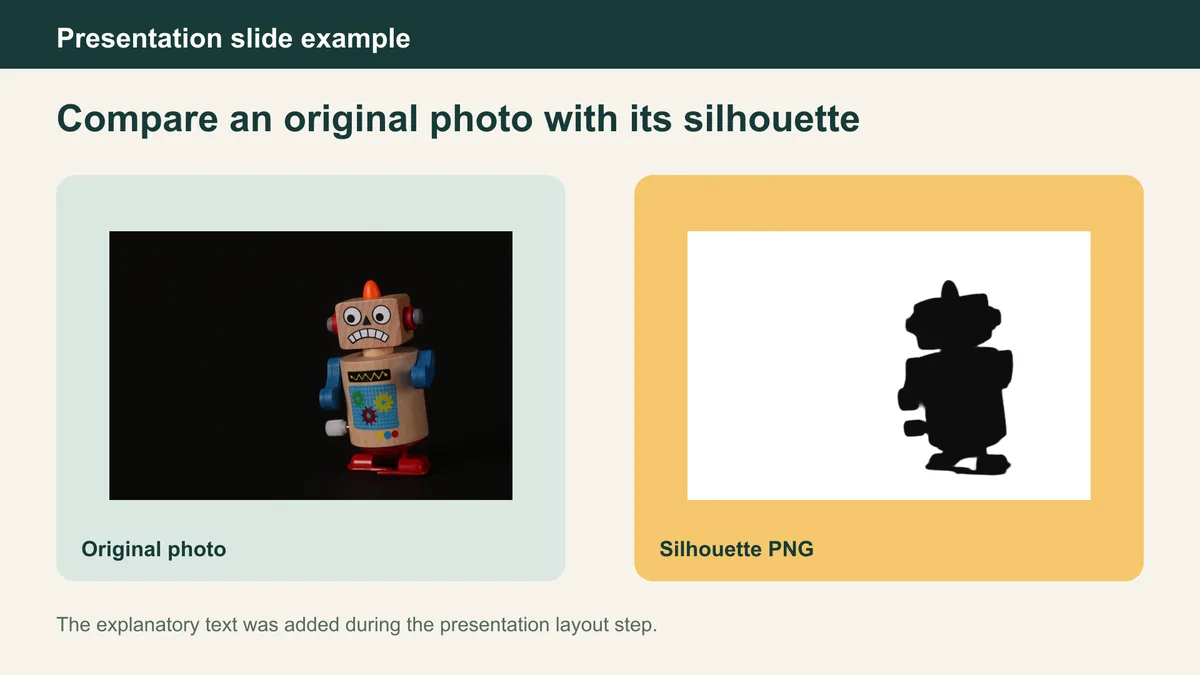
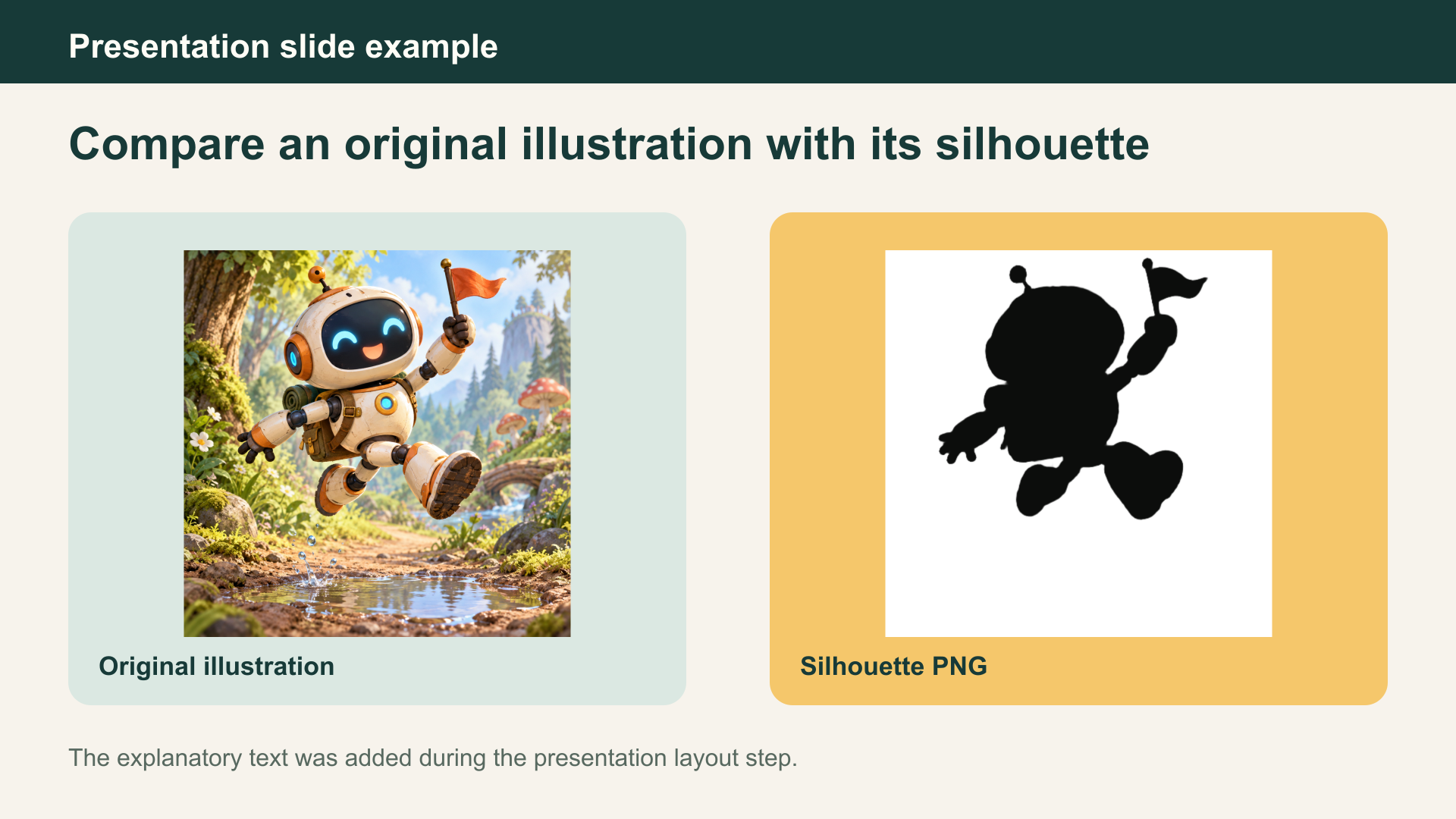
Export the shape version
A silhouette drops material and color on purpose. If a thin part didn't survive the conversion, mention it so nobody assumes the product lacks it.
- Process the product image in SilMaker.
- Inspect the boundary where the product meets the background.
- Download a transparent Filled result when the slide background will be chosen later.
Build the comparison slide
In your slide app, put the photo on one side and the PNG on the other. Label them “original photo” and “silhouette view”, and keep any product claims to what the spec sheet says.
Check the silhouette on the final slide background. A dark silhouette on a dark slide can be hard to read from the back of a room.
Keep the two versions connected
Keep the same crop and orientation for both images so the comparison is fair.
If the product has thin or see-through parts, keep the original photo on the slide so the audience can see what the silhouette leaves out.
Frequently asked questions
Does a transparent silhouette keep the product's original color?
No. A silhouette replaces the subject with one chosen color. Use the original photo when material, finish, or label details matter.
Can I reuse the same export on another slide?
Yes, if its transparency and resolution fit the new layout. Recheck contrast and size each time.