Make a simple card or poster with a silhouette
A silhouette can give a card or poster one clear focal shape. Make the PNG in SilMaker, then create the finished page in a separate design editor.
Open the free converterChoose a focal shape
Pick a subject that still reads when simplified. Characters, objects, and poses with a distinctive outline usually work better than subjects recognized only by surface detail.
Use an image you're allowed to publish, such as a photo you took yourself or one with a license that allows reuse.
 Before
 After
AfterExport for the layout background
The checkerboard only appears in the preview. In the saved PNG, the page background shows through around the subject.
- Process the source and check the mask edge.
- Choose Filled for a solid focal shape or Outline for a lighter overlay.
- Choose Transparent when the card or poster background will be made elsewhere, then download the PNG.
Compose the page
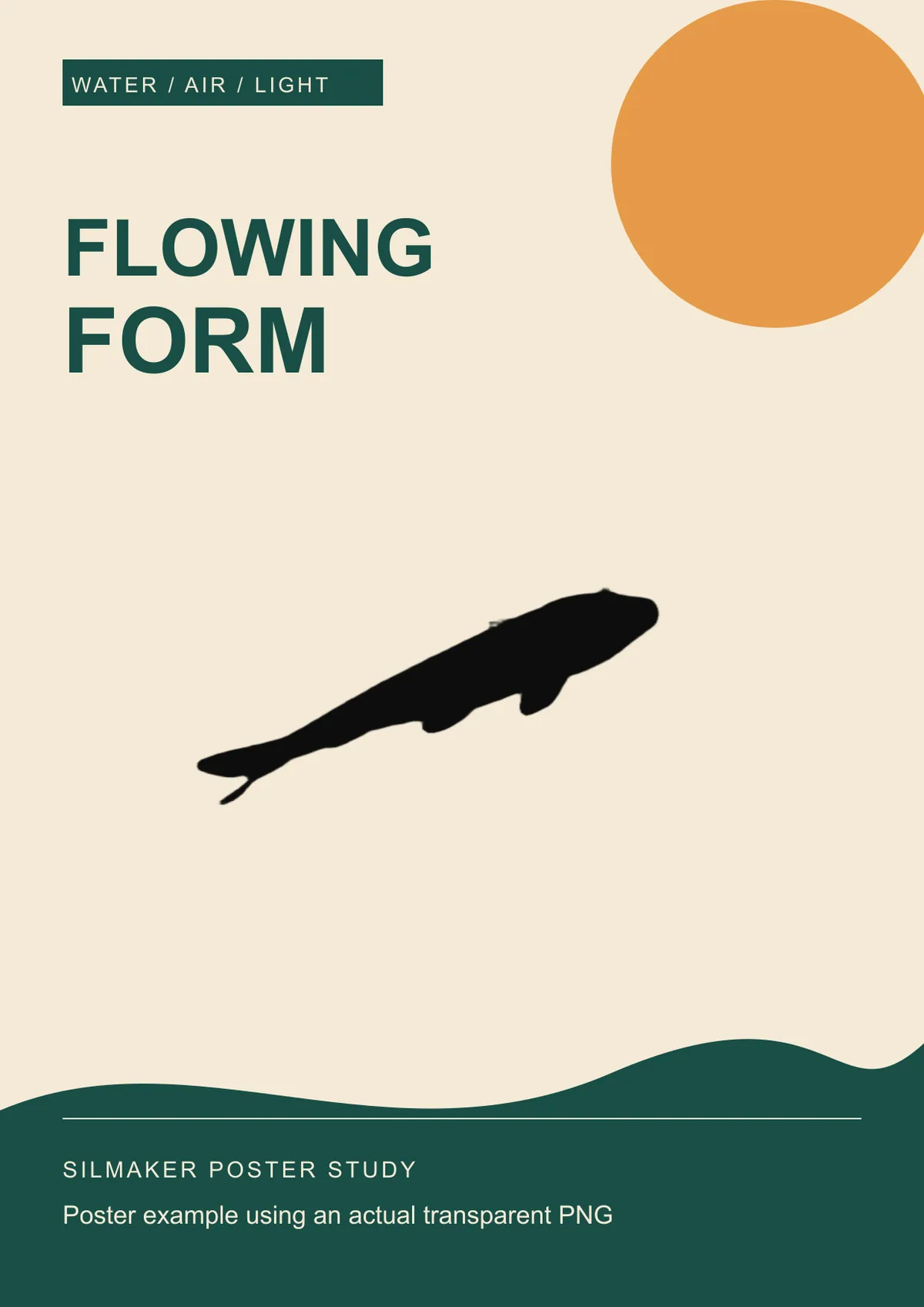
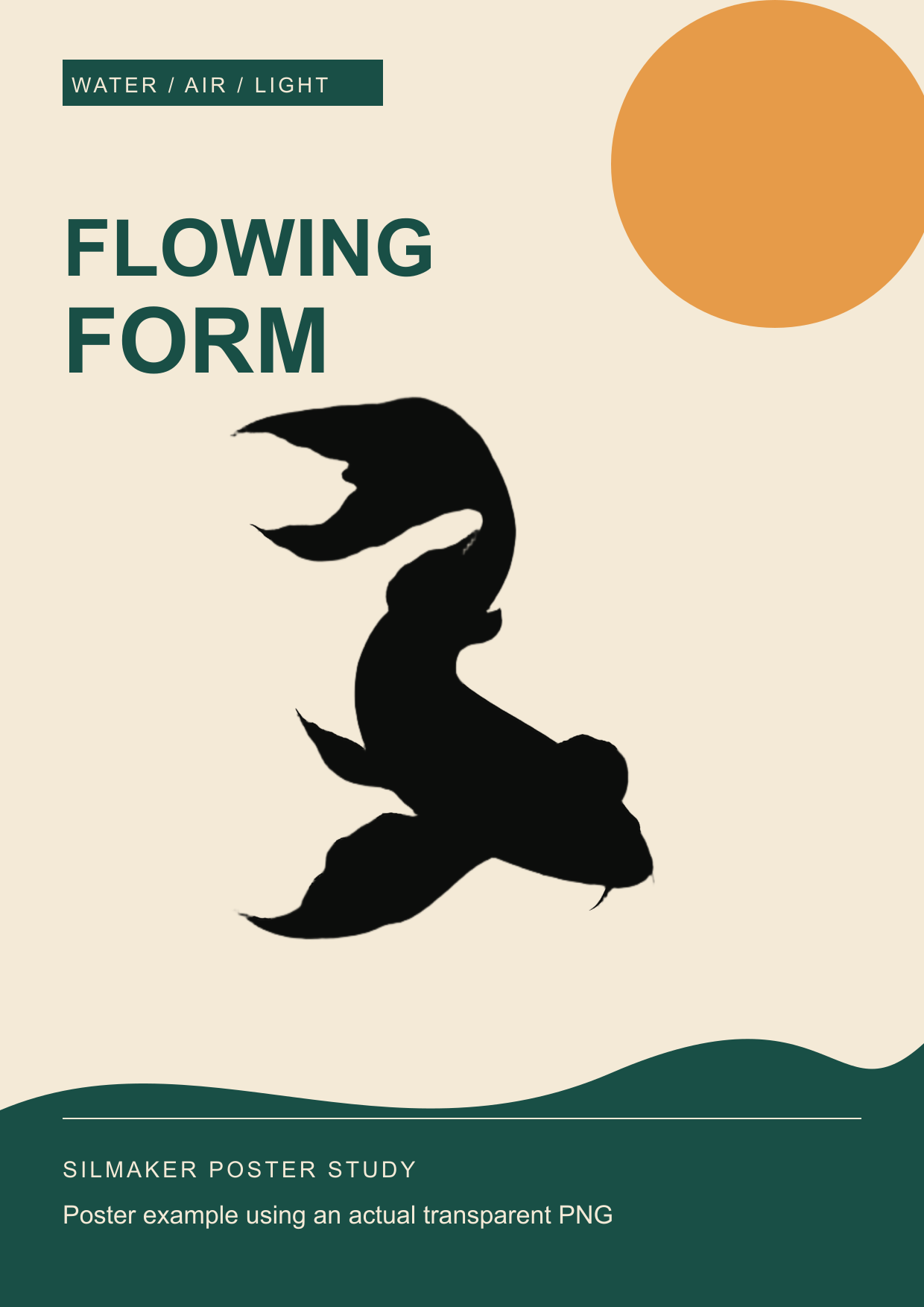
In a layout editor, place the PNG first, then add a background color, title, date, or other text with enough contrast. Keep text outside narrow gaps and key edges so the silhouette stays visible.
Gradients, type, and decorations come from the layout app. SilMaker only supplies the subject PNG.
Inspect before export or print
View the design at its final screen or print size. Thin outlines and small transparent gaps can close up when a card is reduced or compressed for sharing.
SilMaker PNGs are pixel images. For a large poster, start with a large photo, or trace a vector path if your print shop needs one.
Frequently asked questions
Should I choose white or transparent?
Choose transparent for a card or poster whose background is created later. Choose white only when the final page intentionally includes a white rectangle.
Can I print the PNG at any size?
No. The detail is limited by the size of the processed image. Check how it looks at the final print size before ordering a large print.